Automate preventive maintenance scheduling across every site
Klipboard Job Management schedules Preventive Maintenance automatically, so your field team always knows what needs servicing and nothing gets missed.
Reviewed by Richard Blown, Chief Technology Officer at RAM
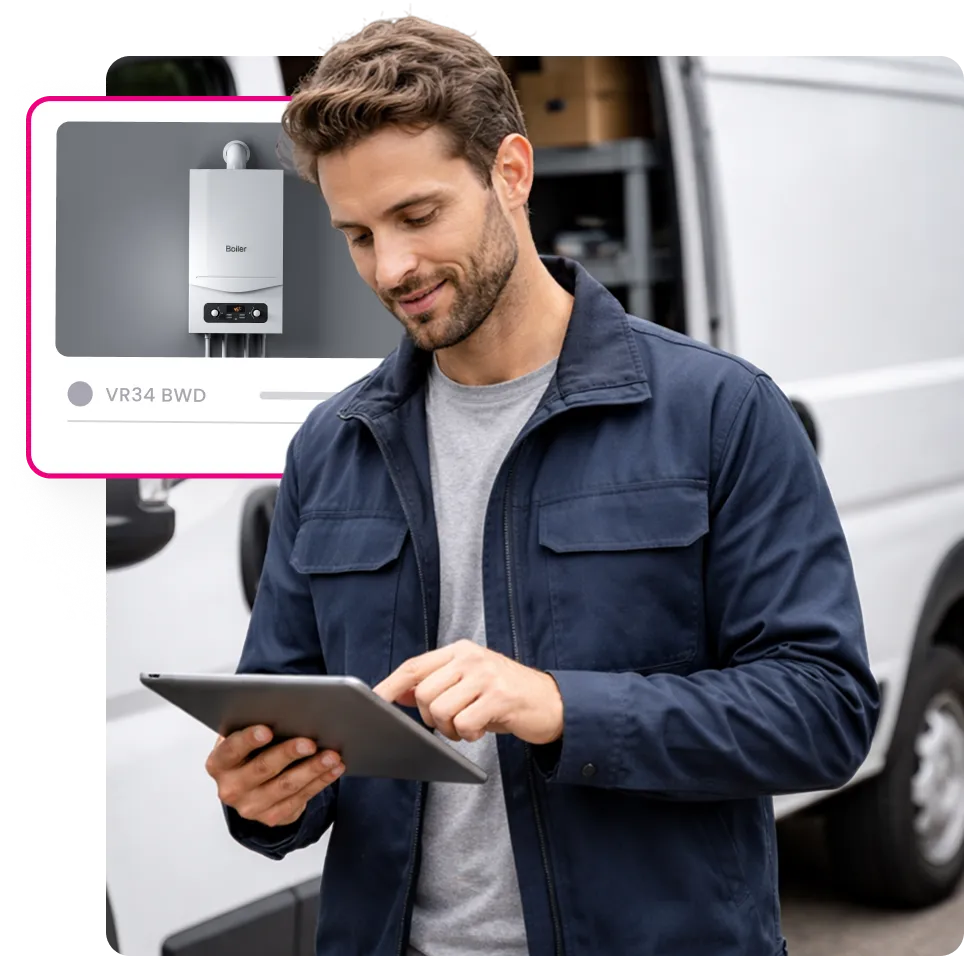

Where reactive maintenance costs you
Manually tracking service schedules across hundreds of customer assets, each with its own interval, warranty status and paperwork trail, is a full time job in itself when it happens outside of your job management software.
When PM slips through the cracks, it costs more than a missed appointment.

Service dates get missed
Without an automatic trigger, a due date can pass before anyone spots it, and the customer notices first.
Field workers arrive without the full picture
No visibility of service history, warranty status, or previous notes means repeat questions and slower jobs.
Compliance records are scattered
Paper sheets and spreadsheets make it hard to prove a regulated asset was inspected on time. Fire and security businesses face the same challenge with alarm and extinguisher servicing records.
Contracts lapse quietly
Annual service agreements expire without anyone flagging the renewal, and the work goes to a competitor instead.
Admin time eats into billable hours
Working out which of hundreds of assets are due this month should not take an afternoon of cross-referencing spreadsheets.
Breakdowns cost more than planned visits
When maintenance is reactive rather than scheduled, businesses end up paying for emergency call outs and unplanned downtime instead of a straightforward planned visit.
What happens after the job is closed

The schedule takes care of itself
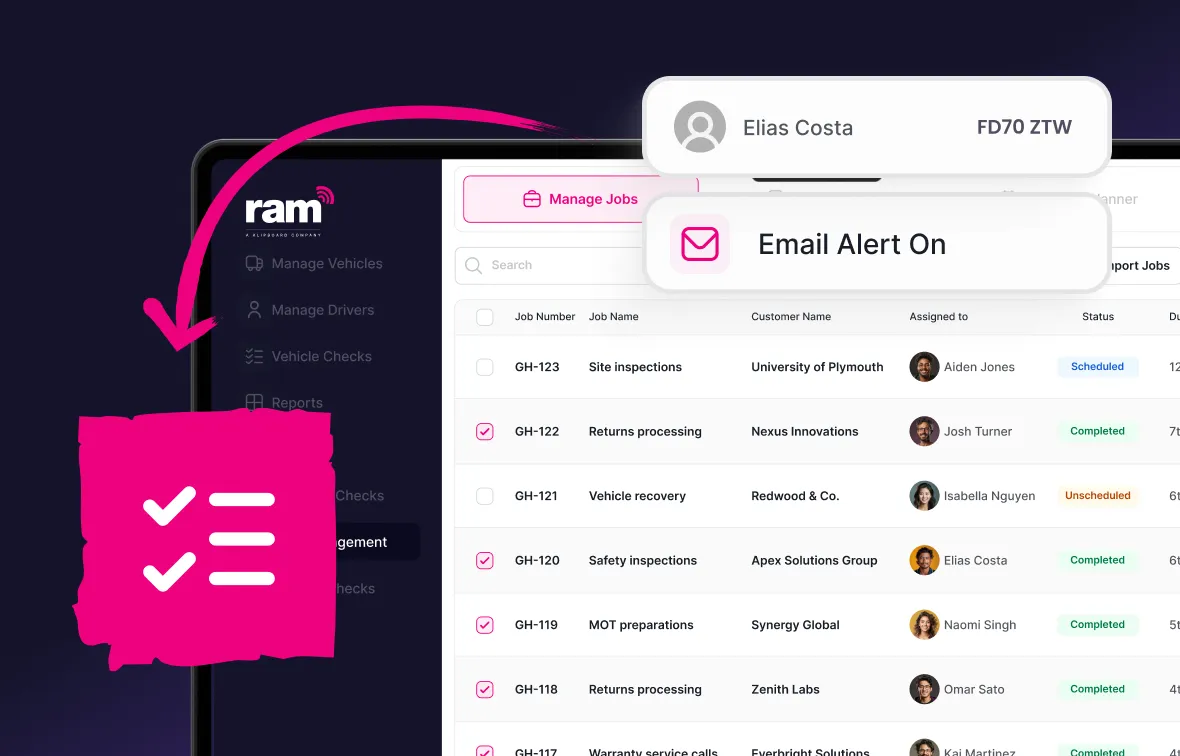
Once a field worker signs off a service on site, Klipboard Job Management handles what happens next, so nobody has to update a diary or set a manual follow up.
- The completed record syncs to the web dashboard the moment the job is closed
- The asset's schedule rolls forward to the next due date on its own
- A customer reminder is queued automatically if one has been set up for that asset
- Warranty status updates against the asset, so it is always current for the next visit
Benefits of PM scheduling software
Never miss a scheduled visit
Recurring maintenance jobs generate automatically from each asset’s PM schedule and appear in your job scheduling calendar. Alerts go to the office and the field engineer well ahead of the due date.
Stay compliant without the paper trail
Every completed service is logged against the asset, so evidence is on hand whenever a customer or auditor asks. For your own vans, fleet maintenance software does the same for vehicle inspections.
Filter by warranty status
See straight away which assets are in warranty and which aren’t, using the details stored in asset management, so you can plan the right visit and quote accurately.
Keep customers informed without lifting a finger
Automated reminders go out ahead of every scheduled service, cutting down on chasing calls and missed appointments, and giving customers time to plan around the visit.
See upcoming and overdue services easily
The PM scheduler gives office teams a live view of every asset due for service this week, this month or already overdue, with no spreadsheets to check.
Manage multiple service intervals per asset
A single asset can carry more than one PM schedule, such as a monthly safety check alongside an annual deep service, so nothing gets missed between visit types.
How PM scheduling works
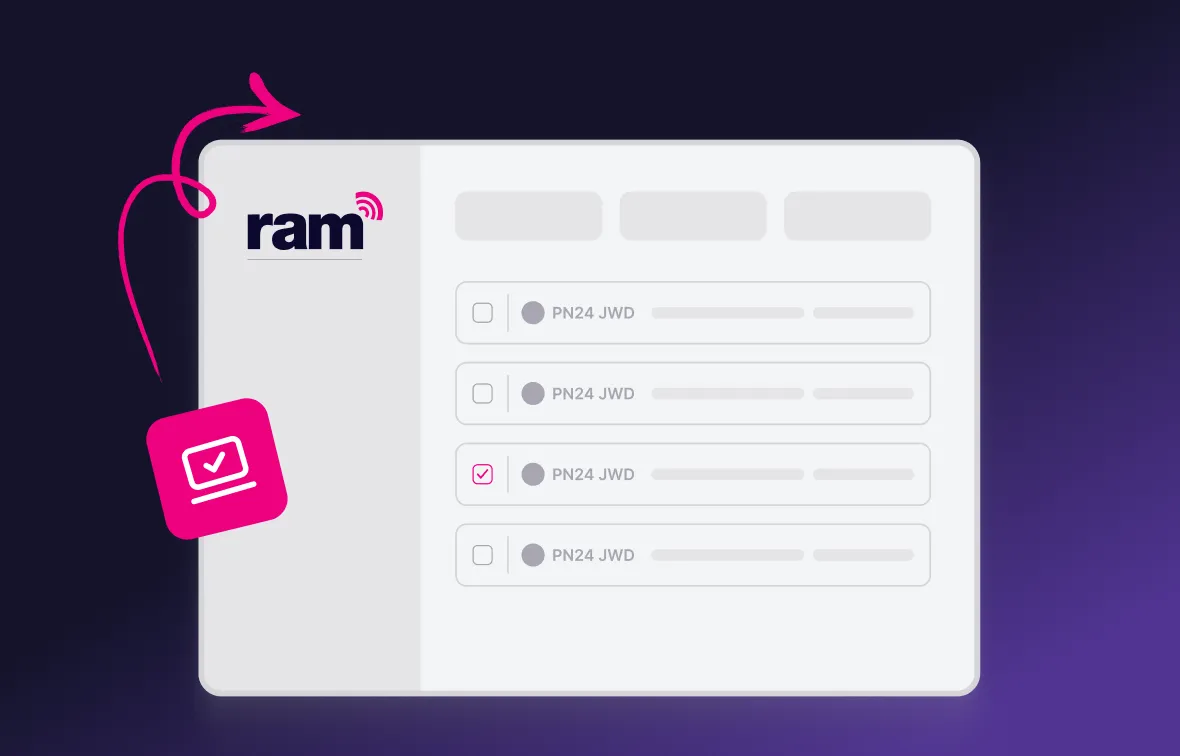
Set your schedule
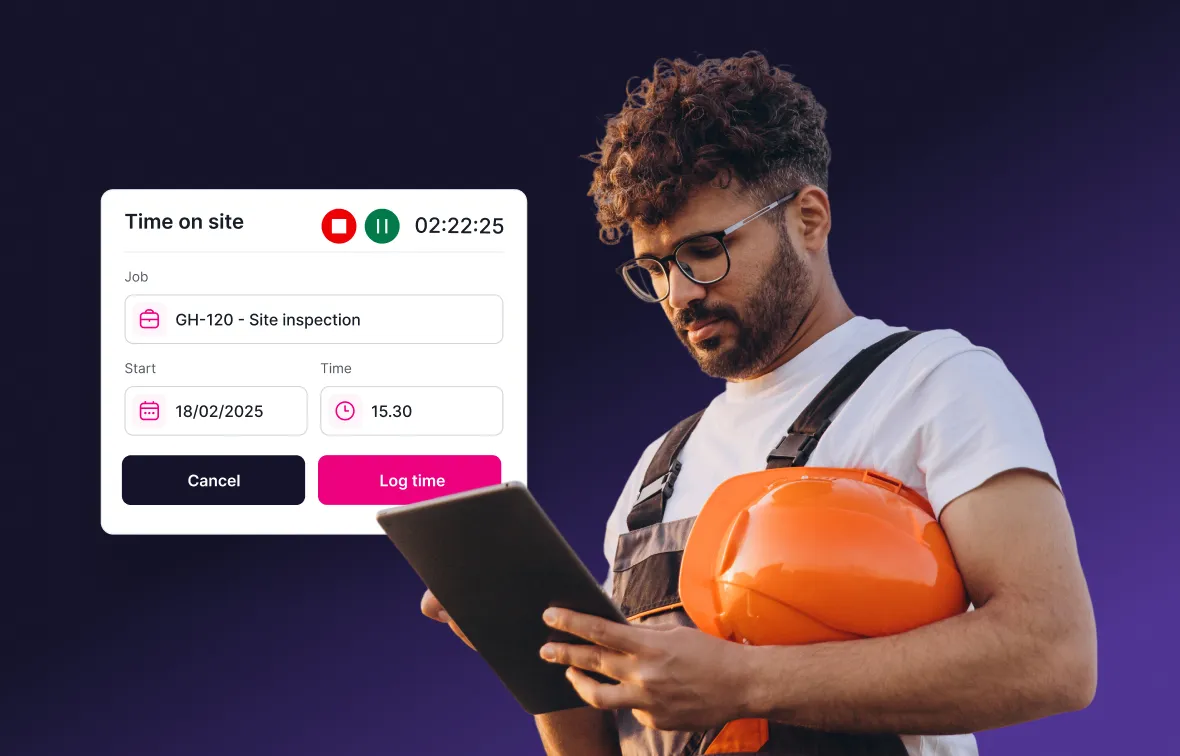
Field worker gets notified
Services are synced automatically
Hear from Klipboard customers






PM software for field service industries
From HVAC and engineering to facilities and medical equipment servicing, Klipboard Job Management helps field service teams stay on top of every planned maintenance visit, whatever they're servicing.
Why choose Klipboard PM scheduling?
Decades of field experience
Training on your timeline
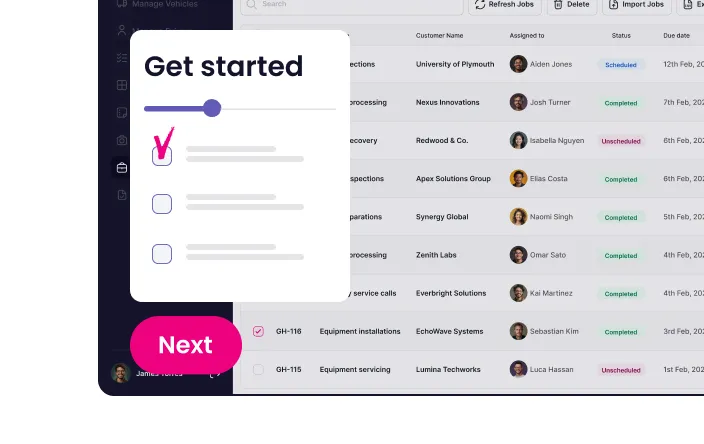
One home for every job

Book a demo to see how Klipboard Job Management handles PM scheduling end to end, from setting the first preventive maintenance visit to the moment the completed service record lands on your dashboard.
Other features included with Klipboard Job Management
Service scheduling software works best alongside the rest of our job management system. Here's what else is built in:



Job management software
Built for businesses where work happens in the field.
Keep your fleet roadworthy with automated maintenance tracking and reminders.
- Full vehicle service history accessible in one place
- Track service history digitally for every vehicle
- Set reminders based on mileage intervals or dates



Frequently asked questions about PM software
PM stands for Preventive Maintenance. It is a set schedule of inspections and services carried out on an asset before problems arise, rather than reacting once something has already broken down.
Using the PM scheduler within Klipboard Job Management, you can set a service frequency for each asset, whether that is daily, weekly, monthly or annually. The system tracks due dates from there and lets you know when an asset needs attention.
Yes. When a job involves an asset due for servicing, a notification appears directly on the field worker's job menu, along with the asset's location, service type, and any related history, photos and documents.
For some equipment, yes preventive maintenance is a legal requirement. CSA's safety standard for lift trucks calls for a planned maintenance inspection at the manufacturer's recommended interval, and a daily pre-shift circle check, according to CCOHS guidance. Refrigerant equipment carries its own leak testing and repair obligations, which vary by province, so it's worth checking what applies to your assets.
Yes. The PM scheduler lets you filter servicing data by warranty status, along with upcoming and overdue services, so you always know what needs attention first.
Yes, if you set it up. Automated reminders can be sent to customers ahead of their scheduled visit, and you can choose how many weeks in advance each reminder goes out, per customer asset.
Never miss a service again
Know when every asset is due a service without your team having to check a spreadsheet with Klipboard's PM scheduling software.