Digital job sheets for field service businesses
Replace paper forms with digital job sheets that work on any mobile device. Capture signatures, photos, and job details in real-time.


Still relying on paper job sheets?
Paper job sheets cause problems that are easy to overlook until they start costing you money. Switching to digital job sheets in job management software fixes most of them.
Here’s what field service businesses deal with every day:

Lost or damaged job sheets
Paper job sheets get lost, torn or soaked in the back of the van. Once they’re gone, the job details and customer signature go with them, and there’s no way to get them back.
Illegible handwriting
Scribbled notes on paper job sheets are hard to read back at the office, leading to billing errors, missed parts and awkward calls to customers to check what was done.
No real-time visibility
Until paper job sheets reach the office, you can’t see which jobs are finished, which are running late or what’s still outstanding. Job tracking shows you as it happens.
Delays to invoicing
Invoices can’t go out until paper job sheets make it back to the office and someone types them up, which can add days to every payment.
No audit trail
If a customer disputes a completed job, a paper job sheet with no photos or timestamps gives you very little to back up your side of the story.
Compliance gaps
When forms aren’t filled in correctly or consistently, important safety checks, readings or signatures can be missed, leaving gaps that are hard to explain later.
Digital job sheets that work on-site
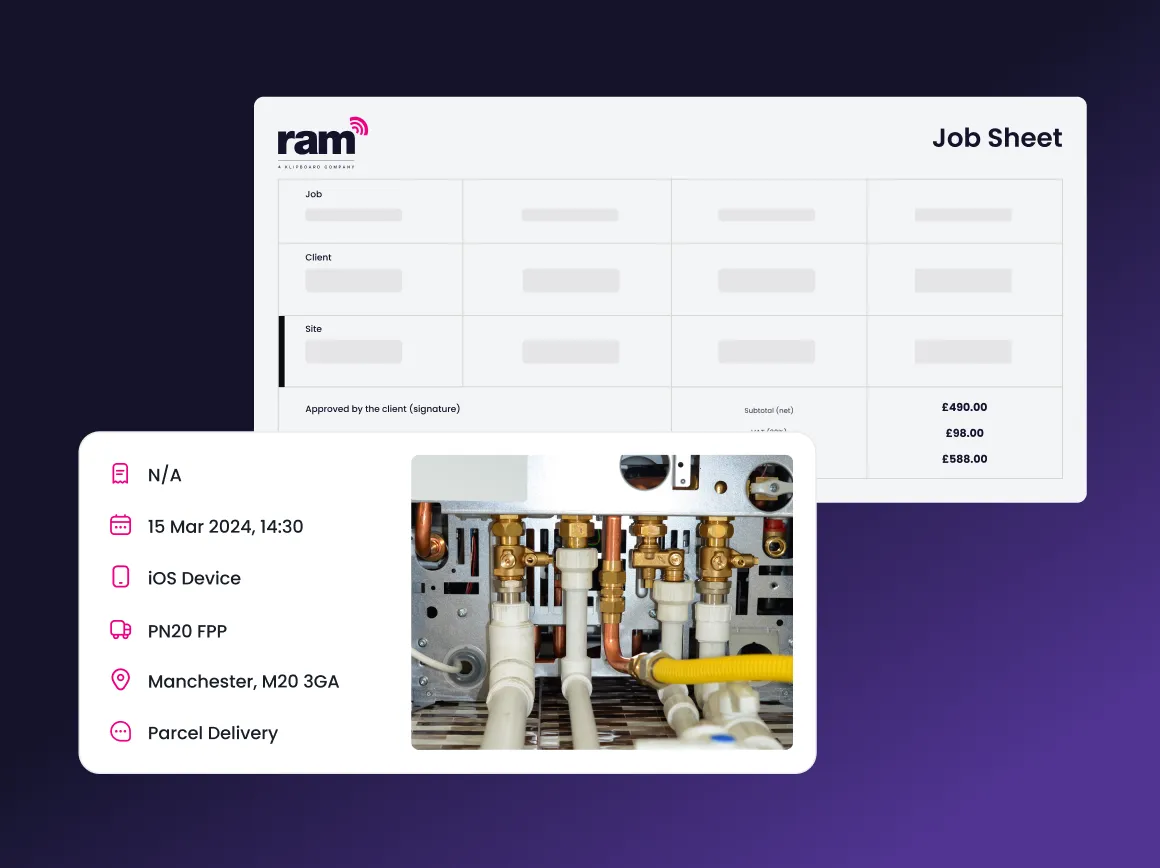
Capture jobs digitally
Klipboard digital job sheet software replaces paper forms with smart, customizable templates your team completes on their phone or tablet. Every job is documented accurately from the moment work starts to the moment it's signed off.
- Custom job sheets for different work types and trades
- Photos, signatures, and GPS verification captured automatically
- Completed forms available to the office instantly
- Full job history stored securely in the cloud
Why teams switch to digital job sheets
No more lost paperwork
Every completed digital job sheet is stored securely in the cloud. Nothing goes missing between the job site and the office, and records are there whenever you need them.
Faster invoicing
Job details flow automatically from the completed job sheet to your invoicing system. There’s no manual data entry and no waiting for paperwork, so invoices go out sooner and you get paid faster.
Proof of work, every time
Photos, digital signatures and timestamps create a clear record of every job. Add evidence checks, and if a customer questions the work, the proof is already there.
Consistent, compliant processes
Required fields, mandatory photo checks and compliance prompts make sure every engineer fills in every job sheet correctly. That’s especially useful for electricians and other trades with strict paperwork standards.
Works on any device
Whether your team uses iOS or Android, phones or tablets, the job tracking app keeps digital job sheets working on any device, even without signal.
Instant visibility for the office
Managers see job progress as soon as forms are submitted, with no waiting for engineers to call in. Completed jobs show up straight away, so the office can plan the next one in the job scheduling calendar.
How digital
job sheets work
Choose your industry templates
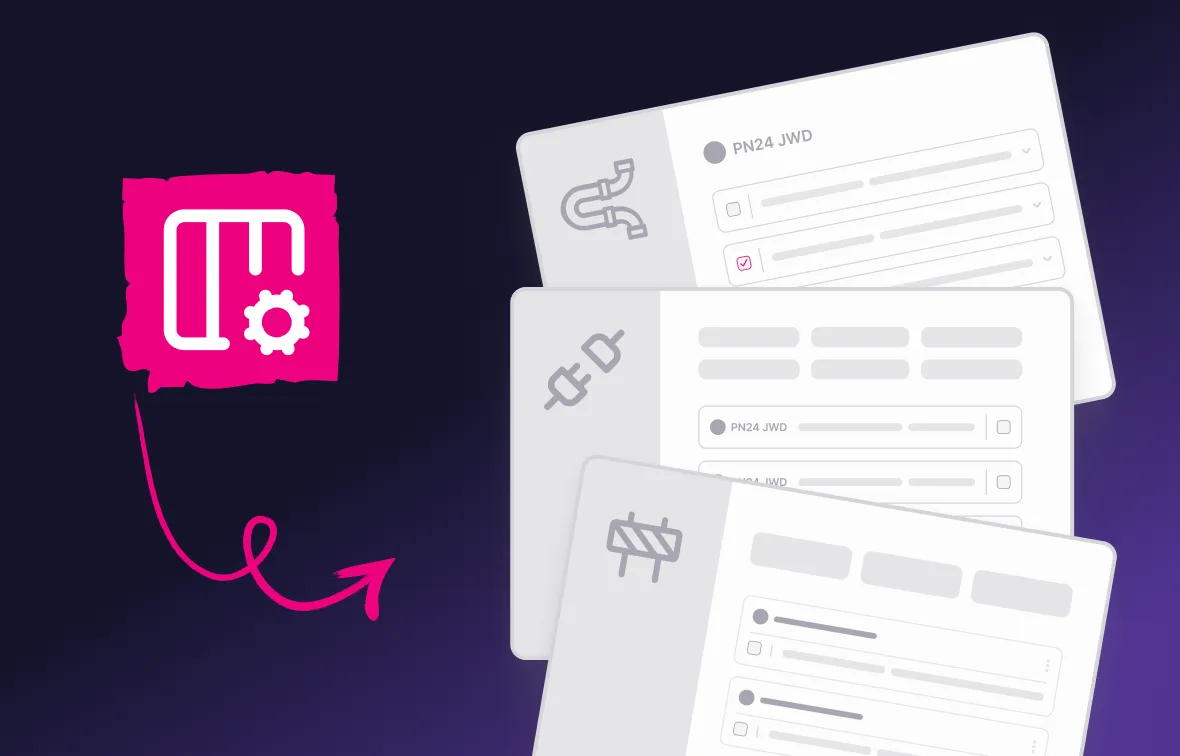
Assign to your engineer
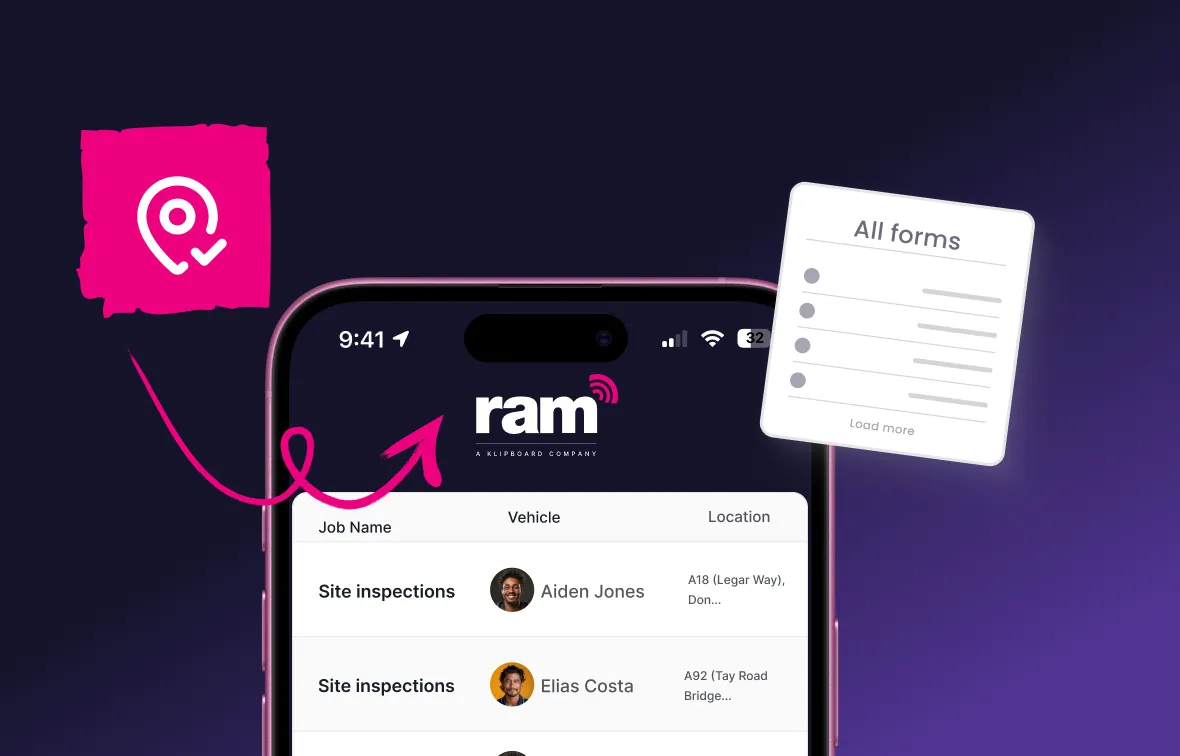
Complete the form in the field
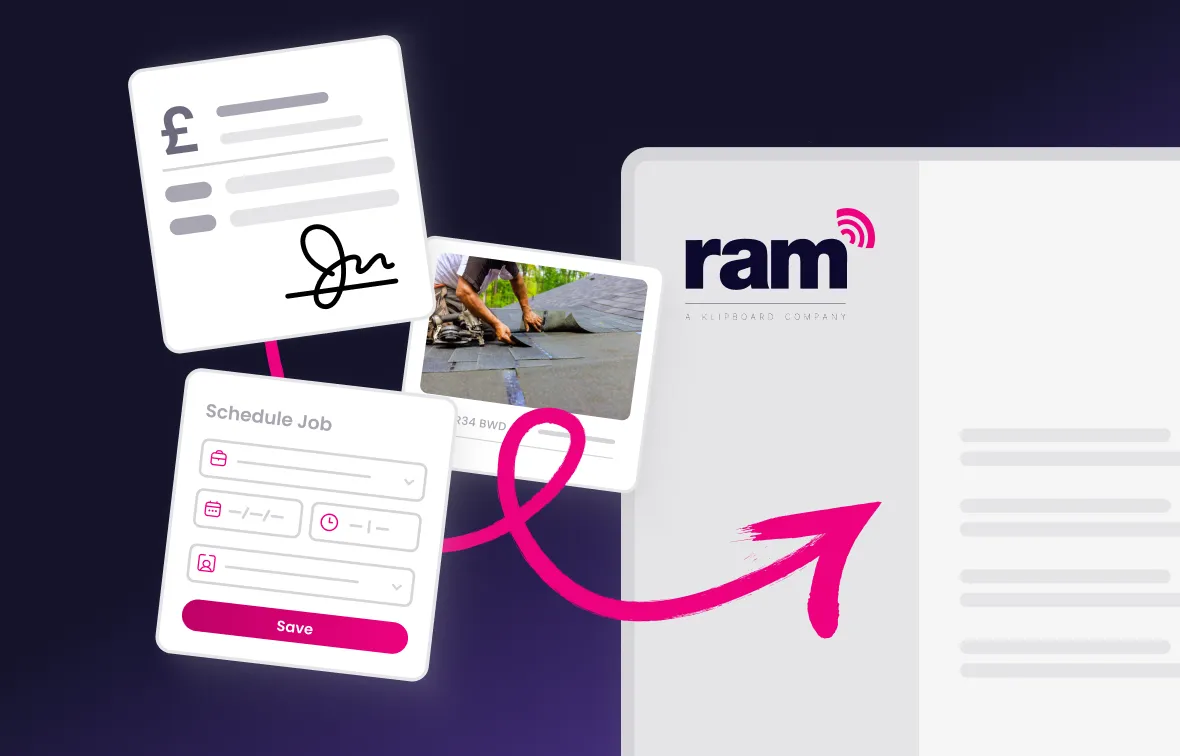
Records reach the office instantly
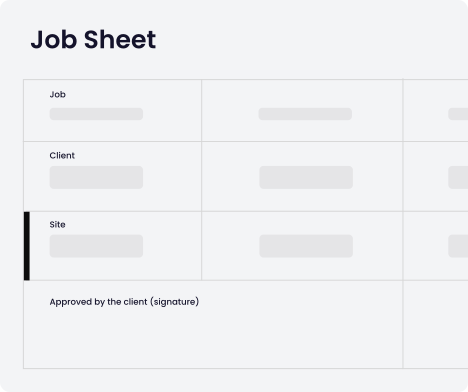
Download your free job sheet template
Not ready to go fully digital yet? Download our free Excel job sheet template to start capturing job details more consistently and see the difference before making the switch.
Why choose Klipboard digital job sheets?
Trusted by 23,000+ businesses
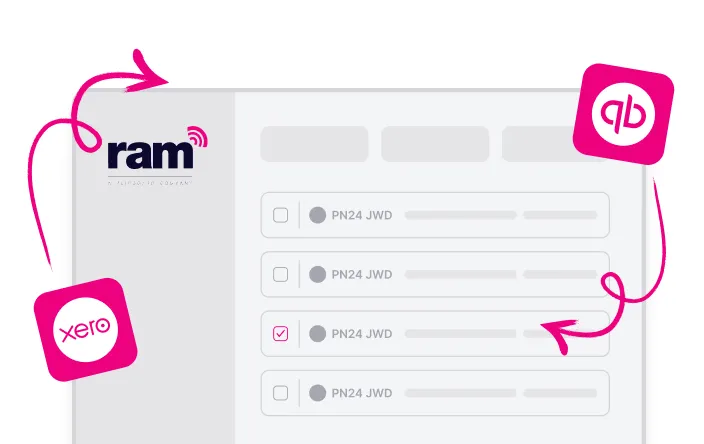
Integrates with your existing tools
Custom templates for every trade
Expert support
Free lifetime training
Part of the Klipboard Job Management platform
Backed by experience supporting 23,000+ businesses, RAM delivers job management software designed to help teams work smarter, faster and more efficiently.
Explore more Klipboard Job Management features
Digital job sheets work best as part of a complete job management workflow. Here's what else Klipboard Job Management can do:




Job management software
Built for businesses where work happens in the field.
Keep your fleet roadworthy with automated maintenance tracking and reminders.
- Full vehicle service history accessible in one place
- Track service history digitally for every vehicle
- Set reminders based on mileage intervals or dates

Frequently asked questions about digital job sheets
A digital job sheet is an electronic form that replaces paper job cards and work orders. Field teams use smartphones or tablets to fill out job details, capture photos, collect customer signatures, and record work completion.
All information is stored securely in the cloud and instantly available to office staff for invoicing and record-keeping.
For a complete overview, read our beginner's guide to job sheet software.
Our form builder lets you create unlimited job sheet templates. Add specific fields, photo requirements, and signature collection points that match different service types. Many businesses create separate forms for installations, repairs, maintenance, and emergency calls.
Customers sign directly on the mobile device screen using their finger or a stylus. The digital signature is captured with full legal validity, including a timestamp and GPS location for additional verification.
Yes, we help migrate your current paper forms to digital versions, preserving all the fields and workflows your team already knows.
If you're not ready to implement a full job management system, you can download our free Excel job sheet template to start digitising your forms and see the benefits before making the switch.
Completed job sheets automatically generate invoices with all labour, parts, and service details included. Integration with accounting software like QuickBooks and Xero means job data flows directly to your billing system without manual data entry.
Yes, our job sheet software integrates seamlessly with fleet management systems and vehicle tracking solutions to provide complete field service visibility.
Combine job completion data with vehicle location, routes, and arrival times for comprehensive fleet operations management.
Ready to go paperless?
Stop losing job sheets and start building a complete digital record of every job your team completes.