

The biggest challenges facing electrical contractors
Electrical contractors have enough to think about without chasing paperwork, schedules and permits. Electrician job management software like Klipboard keeps jobs, reports and invoices in one place.
Between service calls, installs and inspection work, these are the problems that eat into every week:

Service calls disrupting planned work
A no-power call comes in mid-morning and a planned panel upgrade has to move, but nobody can see which jobs can shift.
No clear view of job progress
Without live job status, the office calls around to find out what’s started, what’s finished and what’s waiting on parts.
Reports and paperwork completed too late
Inspection reports, test results and permit paperwork written up back at the office mean rekeyed results and customers waiting.
Recurring maintenance slipping through
Commercial customers need regular electrical maintenance under NFPA 70B, and a spreadsheet won’t remind anyone. PM reminders create the next inspection for you.
Repair work going elsewhere
Inspections and infrared scans turn up deficiencies every week. Without a quick route from report to estimate, the repair work goes to someone else.
Invoices taking too long to send
Completed jobs wait for paperwork to be typed up, so invoices go out days after the work is done.
Smarter job management for electricians
Whether it’s an installation, an inspection or an emergency service call, electrical contractor software keeps every job organized, every report complete and every invoice moving, without the admin pile-up.

Job scheduling for electrical contractors
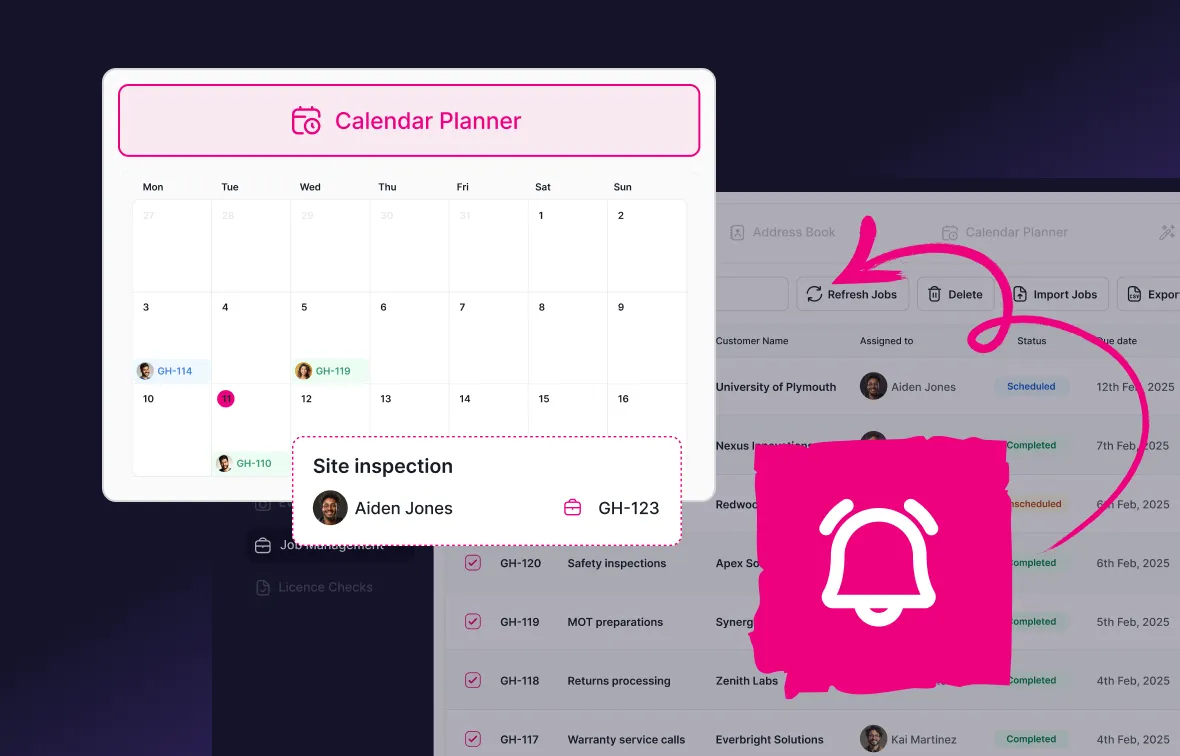
Keeping electricians productive starts with better scheduling. Assign work, balance workloads and respond quickly when a service call lands on a full day.
Schedule work by:
- Assigning jobs by availability, license or skill set
- Moving planned installs and testing when an emergency comes in
- Sharing customer information, site details and previous reports instantly
- Keeping every electrician’s schedule organized
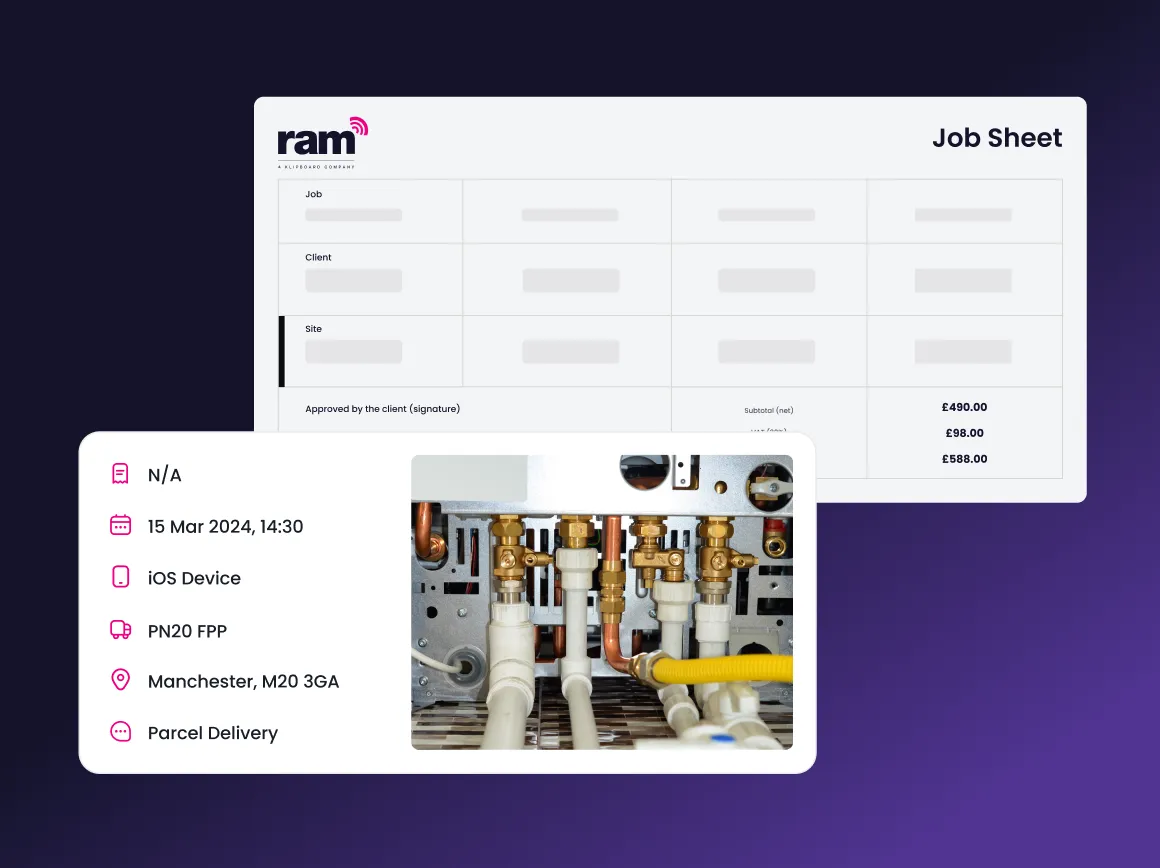
Electrical inspection and test reports, completed on site
Complete reports on site while the readings are in front of you, and send the customer a copy before you leave.
Complete paperwork by:
- Filling in digital job sheets and inspection checklists on site
- Recording test results and readings against each job
- Attaching evidence check photos of every deficiency found
- Capturing customer signatures and storing permit documentation
Job tracking for electrical contractors
Electrical job tracking gives your office complete visibility without chasing electricians for updates. Monitor progress in real time, answer customer questions confidently and keep work moving throughout the day.
Track every job with:
- Live job progress from assignment to completion
- Notes, photos and updates from site
- A complete timeline for every electrical job
- Visibility across every active electrician

Asset management for electrical installations
Keep service history, reports and inspection records against every property and installation, so the next visit starts with the full picture.
Manage every installation with:
- Service history and reports linked to every property
- Recurring maintenance and inspections created automatically
- Previous deficiencies and repair work on record
- Complete audit trails for property managers and customers
How electrician job management software helps your business
Respond faster to electrical callouts
See which electrician is available, assign urgent work quickly and keep customers updated with accurate job progress throughout the day.
Stay on top of inspections and maintenance
Complete inspection reports, test results and maintenance records digitally, keeping every record organized and easy to find.
Win more remedial work
Estimate deficiencies while you’re still on site, so the customer says yes to you before they call around.
Get paid faster
Turn completed electrical work into invoices on site, and take payment before you leave. Read how on-site signatures and secure payments also protect you if the work is ever disputed.
Complete more jobs
The job management app gives every electrician instant access to job details, site history and customer notes, cutting delays between jobs.
Keep every property organized
Store installation history, certificates, inspection records and customer information against each property, making future visits quicker.
Real companies, real results








Why electrical contractors choose Klipboard
Designed for electrical contractors
Trusted by 1000+ electricians

Supports growing businesses

Support from field service experts

Digital certification built in

Works with the tools you use
Over 1,000 electrical contractors use Klipboard to manage their jobs, compliance documentation, and invoicing.
Frequently asked questions from electrical contractors
Electrician job management software helps electrical businesses schedule work, assign electricians, complete digital job sheets and electrical certificates, and manage invoicing from one system. It reduces paperwork, improves communication and gives you greater visibility across every job.
Yes. The scheduling dashboard shows all job types in one view with live status for every electrician. When a fault comes in, you can see immediately who is available and nearest, assign the job in seconds, and the rest of the day's schedule stays intact.
Yes. The app works offline and syncs automatically when the electrician is back in range. Engineers can complete certificates, capture photos, and collect signatures without needing a mobile connection, useful in older commercial buildings or basement distribution board rooms.
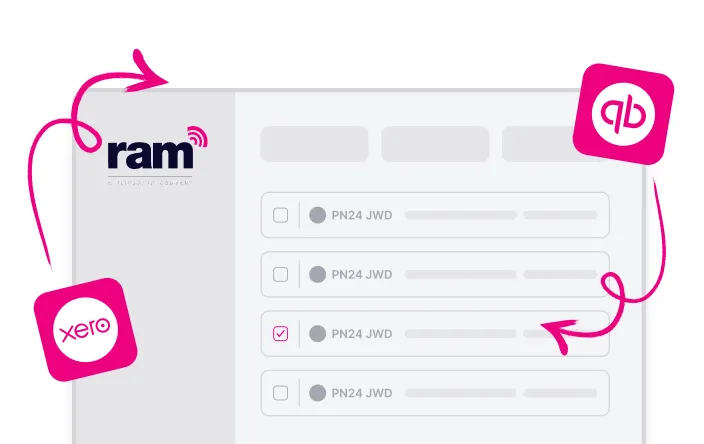
When an electrician marks a job complete on their phone, an invoice is generated from the job record, covering all labour, parts, and any additional work captured on site. That invoice goes out the same day, and if you're connected to Xero or QuickBooks, the data flows straight into your accounts without manual entry.
Yes. Engineer profiles store certifications and qualifications so you can match the right person to the right job. This is particularly useful when scheduling specialist work or responding to commercial tenders that require evidence of engineer competency.
Yes. Electrical job tracking gives your office live updates from the field, including job status, notes, photos and completed work, so you always know what stage every job has reached.
Klipboard handles the work: jobs, reports, maintenance schedules and invoices. RAM also offers GPS tracking, dash cams and vehicle inspections as separate products, which you can use alongside it. See fleet management for electrical contractors for how they help.
Take control of your electrical contracting operation
Join over 1,000 electrical contractors using Klipboard Job Management to schedule jobs, complete certificates on site, and invoice the same day the work is done.