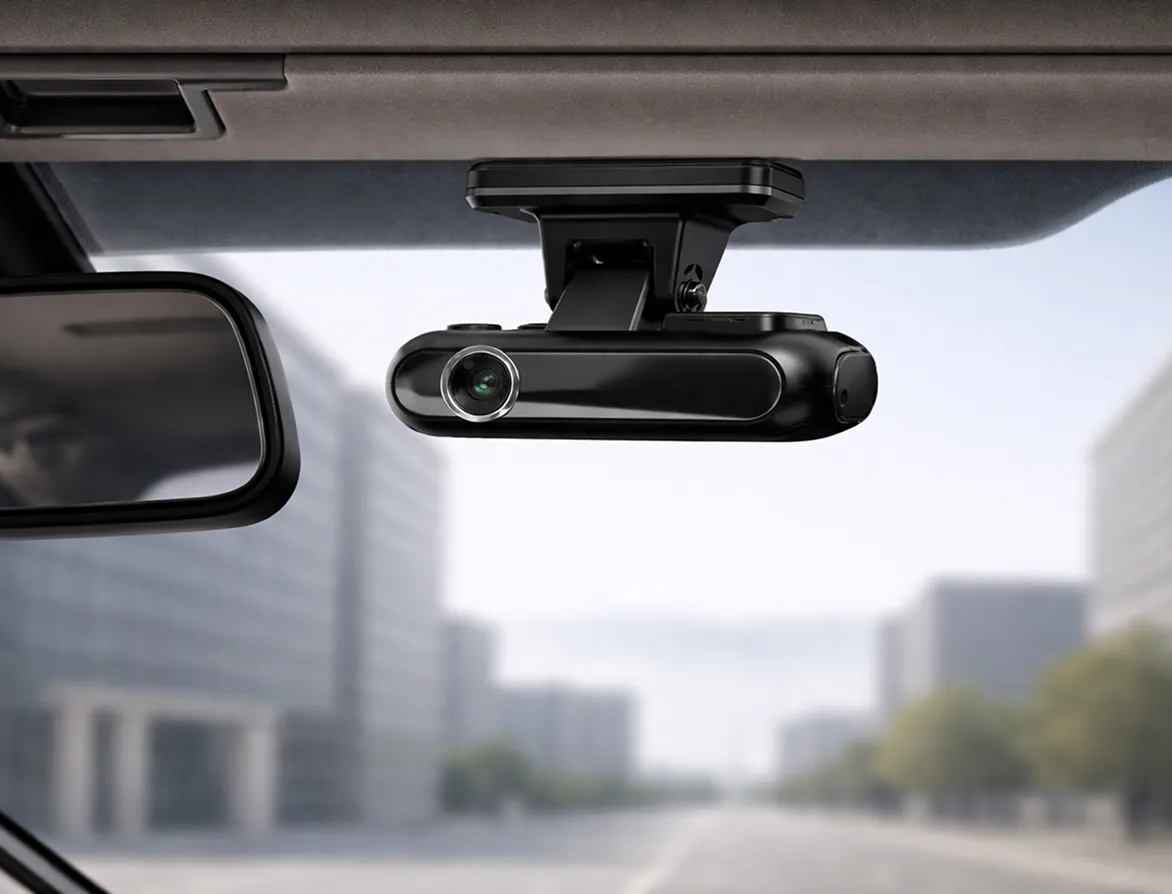
Fleet dash cams for commercial vehicles
See exactly what happens on the road. Fleet dash cams combine video recording with GPS tracking and driver monitoring to give you complete visibility across your vehicles.
What are fleet dash cams?
Fleet dash cams record video from your vehicles and upload it to a central platform. View footage from any vehicle remotely, track driving behaviour across your entire fleet, and access video evidence when incidents occur.
Key differences from consumer dash cams:
- Central dashboard manages all vehicles in one place
- Remote access to footage without visiting vehicles
- GPS data tags every video with location and speed
- Integrates with vehicle tracking and fleet management tools
Businesses use fleet dash cams to defend against false insurance claims with video proof. They monitor driver behaviour across multiple vehicles, settle disputes quickly with clear evidence, and improve safety through coaching with real footage examples.
Camera and system options
Choose the right dash cam configuration for your fleet needs.
Single camera systems
- Forward-facing cameras capture the road ahead, recording traffic incidents and collisions as they happen
- Entry level protection with SD card storage that requires manual footage retrieval from vehicles
- Suitable for fleets wanting basic video evidence without remote access features
Multi-camera systems
- Combine front and driver-facing cameras for complete coverage inside and outside the vehicle
- See exactly what's happening in the cabin and on the road during incidents
- Connected systems upload footage automatically to the RAM platform for remote access
SD card vs connected cameras
SD dash cams store footage locally and require visiting vehicles to retrieve video after incidents. Connected dash cams upload footage automatically via the mobile network, giving you remote access from anywhere with instant notifications of driving events.
Key features your fleet dash cam provides
Video recording (front, driver, multi camera)
- Cameras record continuously throughout every journey, giving you complete context when incidents happen
- High-definition video ensures you can read number plates and see road details clearly
- Event based clips are triggered automatically by impacts and harsh driving
Event based recording
- G-force sensors detect sudden movements and create clips automatically when harsh driving occurs
- Impact detection saves footage from before and after collisions, so you see the full context
- Drivers can mark events manually with a button press when something significant happens
Access and daily usage
- Loop recording means your storage never fills up, with old footage overwritten automatically as needed
- Event clips are protected from deletion, so you never lose important evidence
- Flexible recording schedules help manage your data usage and storage costs
Footage access and retrieval
- View video through the web portal or mobile app from anywhere
- Download clips quickly for insurance claims and legal proceedings
- Search by date, time, vehicle or event type to find exactly what you need
Cloud, SD card and portal access options
- Connected cameras upload footage to secure cloud storage automatically via mobile network
- Access the web portal from any internet connected device or review footage on the vehicle tracking app.
Advanced capabilities with AI dash cams
Go beyond basic recording with AI powered dash cams that detects risky behaviour in real time. The system identifies phone use, smoking, distraction and drowsiness whilst driving, triggering instant audio alerts in the cab so drivers are immediately aware.
You also receive notifications when intervention is needed, and you'll know when drivers are not visible or showing signs of fatigue before incidents occur.
This proactive approach means you can address safety issues immediately rather than discovering problems after accidents happen. Drivers self-correct when they hear the in-cab alert, whilst you can contact them during their shift if patterns emerge. The evidence helps you understand behaviour trends and take corrective action.
Safety, behaviour and driver monitoring
Track speeding, harsh braking and sharp cornering across your fleet to identify your safest and riskiest drivers. Use actual footage from your vehicles in coaching sessions, showing specific examples of risky behaviour alongside footage of your best drivers demonstrating correct procedures.
Drivers modify their behaviour when they know they're being recorded, with fleets typically seeing a 20% reduction in harsh driving events after dash cam installation. This leads to lower accident rates and fewer insurance claims.
Key benefits:
- Create accountability with objective video evidence
- Track behaviour improvement after coaching interventions
- Protect good drivers from false accusations
- Build a stronger safety culture across your operation
Real businesses getting results with fleet dash cams

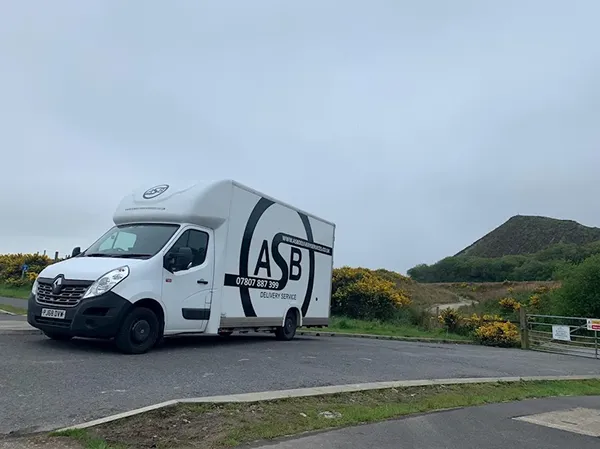
Get instant video evidence, improve driver safety, and resolve claims faster with RAM's fleet dash cams.
Why choose RAM fleet dash cams?
Transparent pricing
Instant remote access
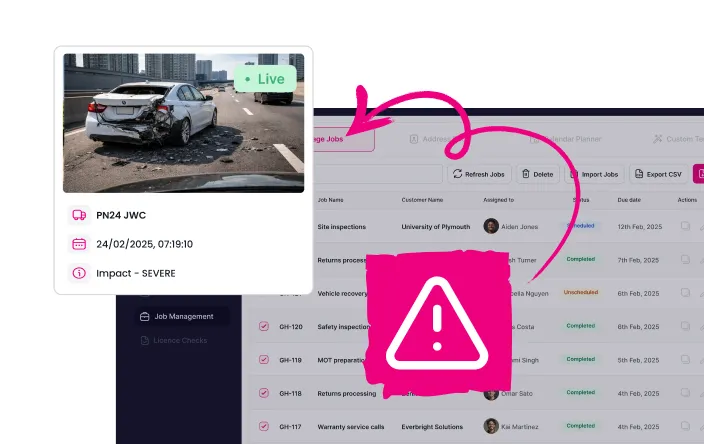
Professional installation

Integrated platform
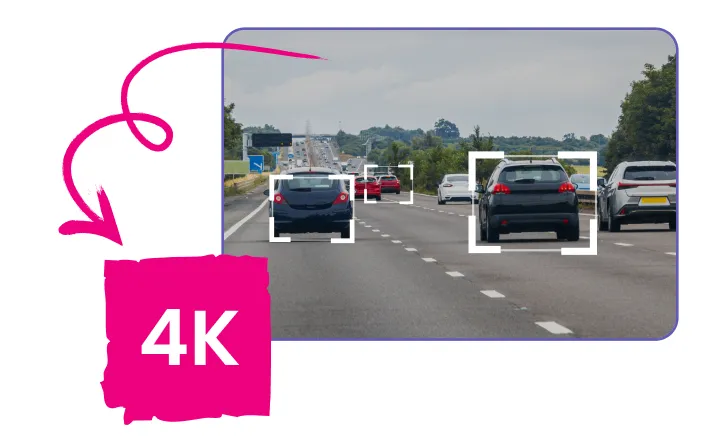
High definition 4K footage
Dedicated support
We are trusted by 23,000+ businesses managing fleets across multiple industries. Commercial fleets need reliable video evidence when it matters most. We've built connected dash cam systems specifically for fleet operators who need clear footage, remote access and quick claim resolution.
Frequently asked questions about fleet dash cams
Fleet dash cams continuously record during journeys, creating a complete log of events. SD card models store around 4 hours of footage whilst connected systems store around 60 hours. Loop recording means older footage is overwritten unless saved as an event clip. You can download and archive important footage permanently.
Most drivers welcome dash cam protection once they understand the benefits. Footage shields them from false claims and provides proof when driving safely. Many businesses find initial concerns disappear when drivers see cameras defend them against unfair accusations. Clear communication about footage use builds trust.
Yes. Dash cams with GPS combine real time location data with video recording. View vehicle position on map and click through to see dash cam footage from that location. GPS coordinates tag every video frame so you can verify routes, confirm deliveries and see exactly what happened at specific locations.
Yes. Insurers recognise video evidence from fleet dash cams as valid proof in claim disputes. Connected cameras can submit footage within the golden hour for First Notification of Loss, which speeds up claim resolution. This often leads to faster settlements and may reduce premiums over time as your claims history improves.
Yes. Connected dash cams work in cars, vans, HGVs and commercial vehicles of all sizes. Van dash cams are particularly popular for delivery and trade businesses, whilst the same system works equally well in trucks, lorries and smaller fleet vehicles. Professional installation ensures cameras fit properly regardless of your vehicle type.
GPS tracking dash cams integrate with vehicle tracking and fleet management software in a unified platform. You don't need to juggle multiple systems to manage footage and live tracking. Everything appears in one dashboard with single sign on access.
Protect your business with fleet dash cams
Stop relying on driver accounts and witness statements. Get video evidence for every journey with dash cams built specifically for commercial fleets.