Client asset management software for field teams
Keep an accurate register of every client asset, tag equipment with QR codes and store full service history in one place, so your team always has the details they need for the job in hand.


Where manual asset records fall short
Paper files and spreadsheets rarely keep pace with a busy field team. Details go missing, get duplicated or simply fall out of date, and building an accurate asset register becomes harder every month.
These are the issues that come up most often when equipment records are handled manually instead of through asset management in your job management software.

No single source of truth
Asset details are spread across paper files, spreadsheets and whoever last did the job, with no central asset register to check.
Assets go missing
When there’s no record of where equipment sits on a client’s site, engineers waste time searching for it before they can start the job.
Warranty details get lost
Cover dates end up buried in a filing cabinet or a supplier’s paperwork, so it’s easy to miss whether an asset is still under warranty.
Service history is hard to find
When a customer asks about a repair from last year, someone has to dig through old paper job sheets to find the answer.
Recording assets by hand
Writing out asset details by hand on every visit takes time better spent on the job, and mistakes creep in each time they’re copied.
Audits take too long
Confirming what equipment is where, and in what condition, becomes a lengthy manual exercise. For facilities management teams, that can mean hours spent walking a site with a clipboard.
A complete history for every asset
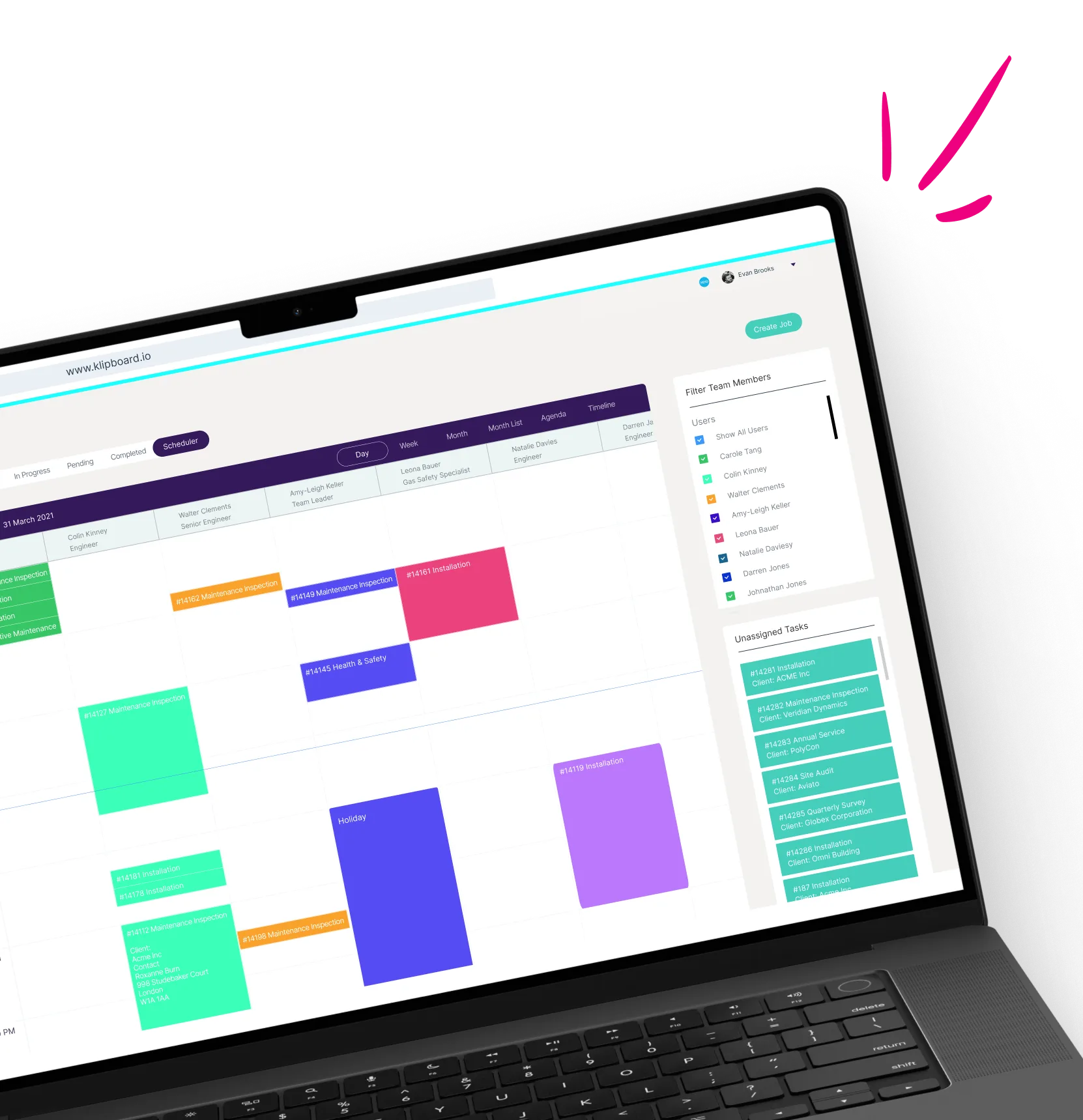
Every change recorded automatically
Rather than relying on someone to remember or write things down, the asset management system builds a running history for each piece of equipment as your team works, so nothing gets left out.
- A timestamped audit log of every change made to an asset, from registration to the latest visit
- Condition notes and photos captured chronologically, so you can see how equipment has changed over time
- Exportable records ready for audits, inspections or customer reporting
- Nothing depends on paperwork surviving between visits, so the history can't be misplaced
Benefits of asset management software
Build an accurate asset register fast
Import existing records in bulk, or capture new equipment on site through the mobile app as your team works. There’s no need to enter the same details twice, so the register stays accurate from day one instead of drifting out of date within weeks.
Know exactly where an asset sits on site
Every asset record shows its location within the client’s site, so an engineer assigned a job in the scheduling calendar knows where to find the equipment before they even arrive.
Keep photos and documents together
Manuals, floor plans, warranty certificates and service records all sit against the asset they belong to. For medical equipment engineers, the manuals and service history for each device are there in seconds, rather than buried in emails or a filing cabinet.
Spot missing or outdated records quickly
Gaps in an asset’s history, whether that’s a missing photo, a service note or an overdue PPM visit, show up straight away instead of surfacing during an audit or a customer query months later.
How asset management works
Add your assets

Tag with a QR code
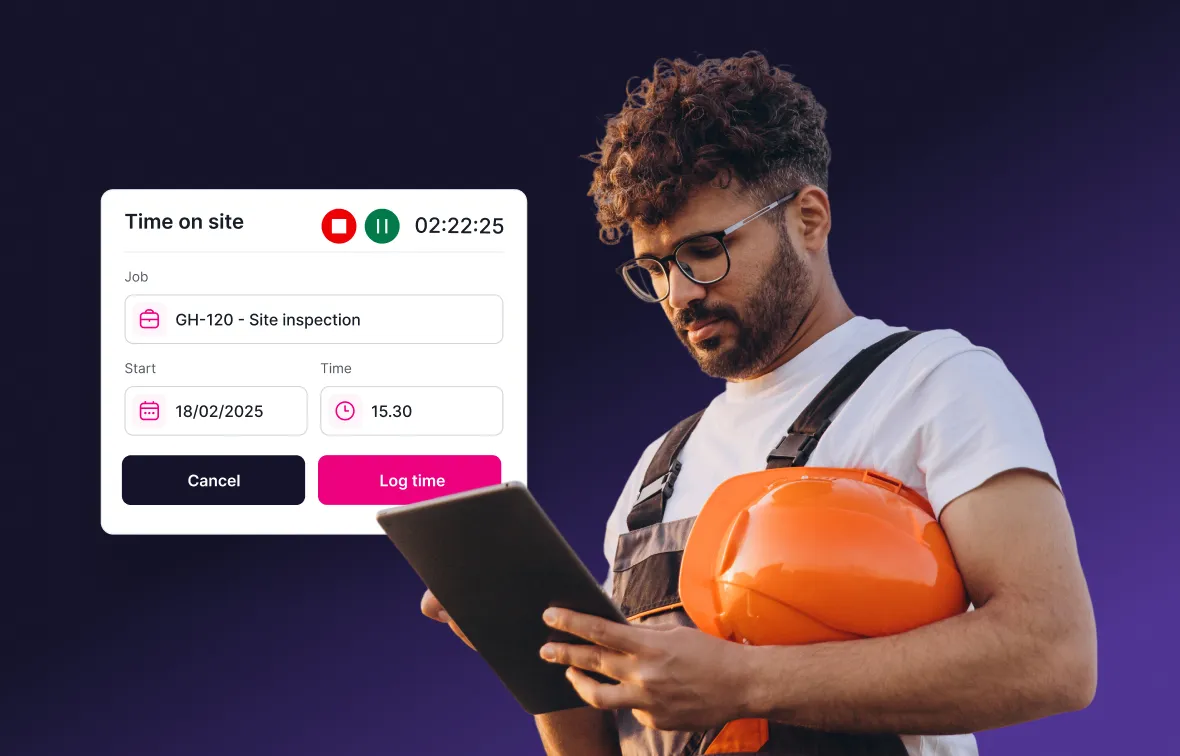
Scan and update in the field
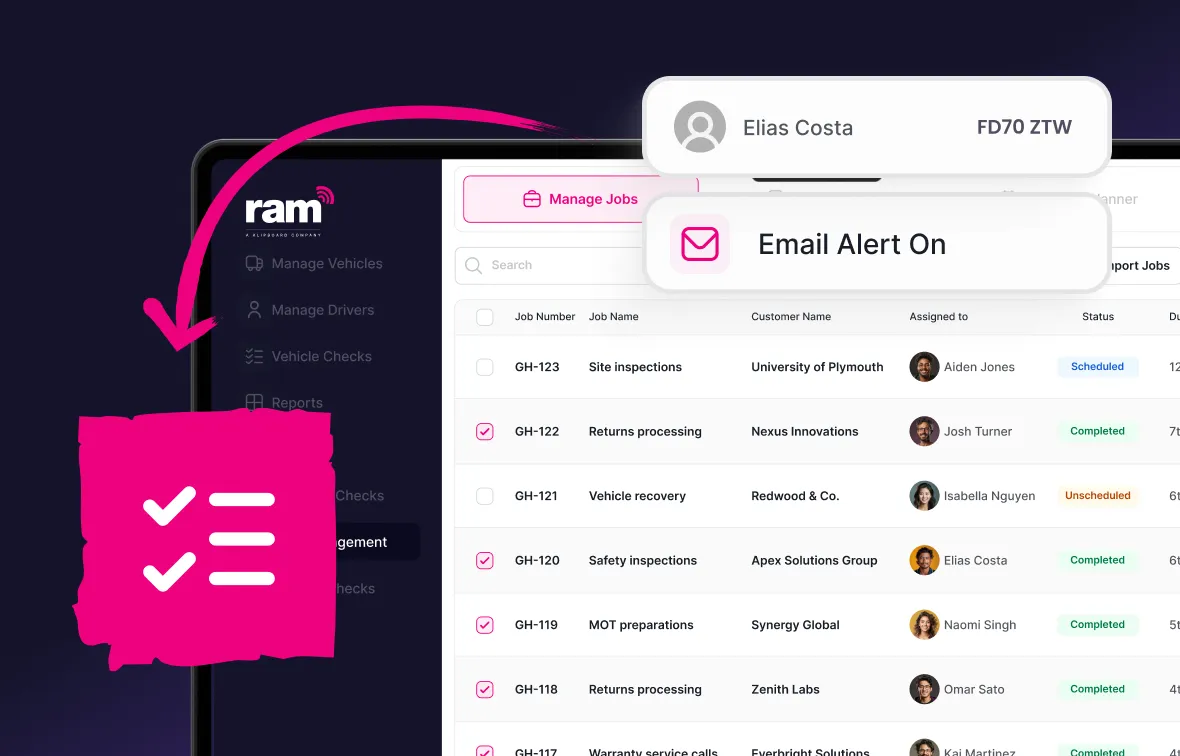
Results from real customers





Why choose RAM for asset management software?
Trusted by 23,000+ businesses
Free lifetime training
One connected platform

See how the RAM asset management system can help you keep track of every asset your business relies on.
Explore more job management features
Asset management is one part of a complete job management solution. Here's what else the platform can do:




Job management software
Built for businesses where work happens in the field.
Keep your fleet roadworthy with automated maintenance tracking and reminders.
- Full vehicle service history accessible in one place
- Track service history digitally for every vehicle
- Set reminders based on mileage intervals or dates


Frequently asked questions about asset management software
Asset management software gives you a digital record of every piece of equipment your business looks after, including its location, condition, service history and documents. Instead of relying on paperwork or spreadsheets, your team can see everything about an asset in one place.
Every asset gets a unique QR code when it's added to the system. Print it as a label and attach it to the equipment. When an engineer scans the code with the job tracking app, the asset's full record opens instantly, so there's no need to search for it manually.
Yes. Photos taken by your field team are added to the asset record automatically, and you can upload documents such as manuals or floor plans so they're available on the mobile app whenever someone needs them.
No. Asset management is part of RAM Job Management and covers your asset register, QR tagging, and service history. If you need live GPS location tracking for plant or trailers, that's covered by RAM's asset tracking system instead.
Yes. The asset management system is built for businesses working across several customer sites. Every asset shows its current location, so office staff and engineers both know exactly where equipment is without contacting each other first.
Stay on top of every asset you manage
See exactly what you own, where it's located and its complete service history, all from one asset management software dashboard.