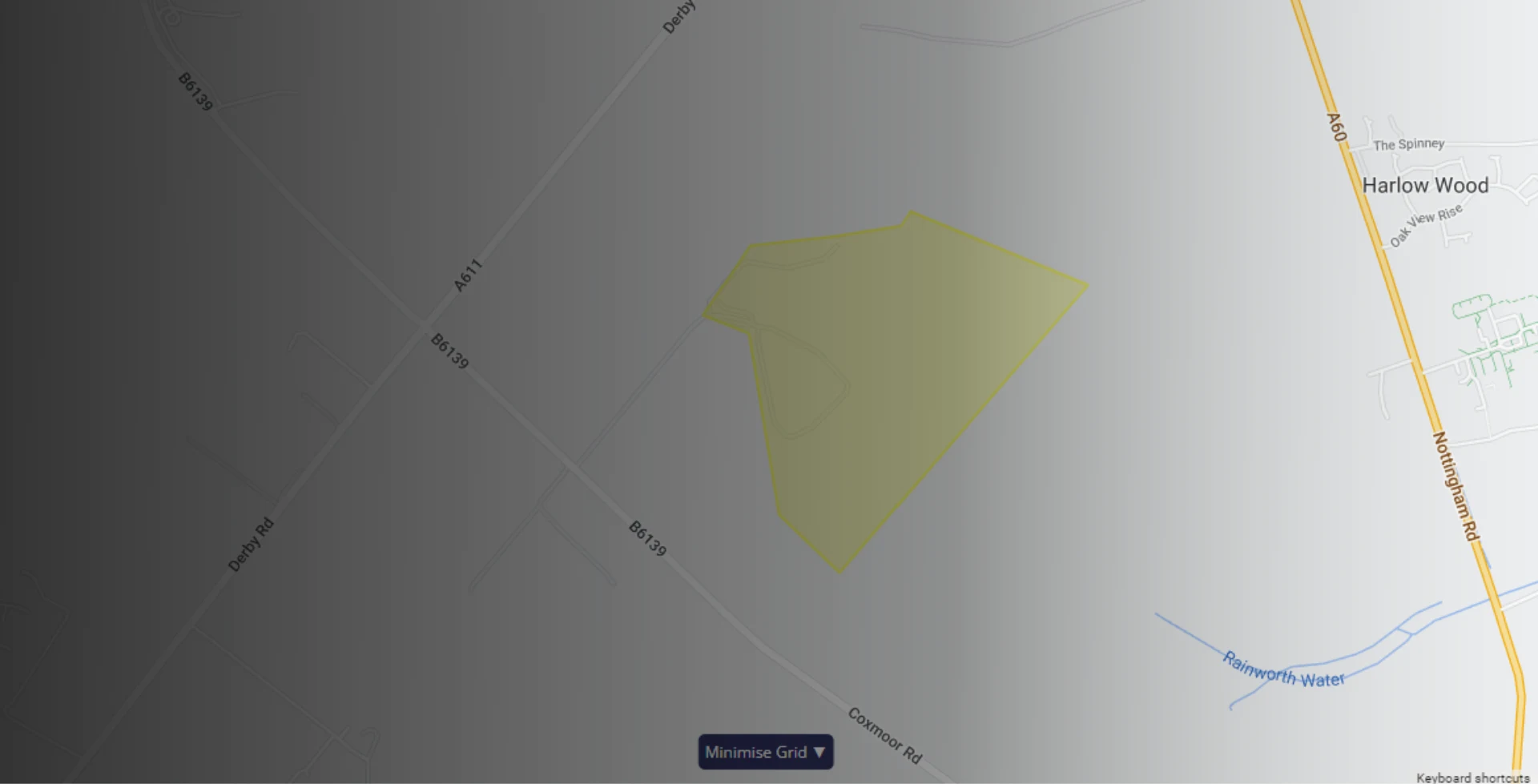
Take control of your fleet with RAM Tracking’s polygonal GPS geofencing tool. In just a few clicks, you can create precise virtual boundaries around depots, offices, construction sites, or any location that matters.
Once set up, you’ll get instant notifications whenever a vehicle enters or exits a geofenced area, giving you complete visibility of your fleet’s movements in real time.
With RAM, it’s not just about vehicle tracking; it’s about using data to run your fleet smarter, safer, and more efficiently.
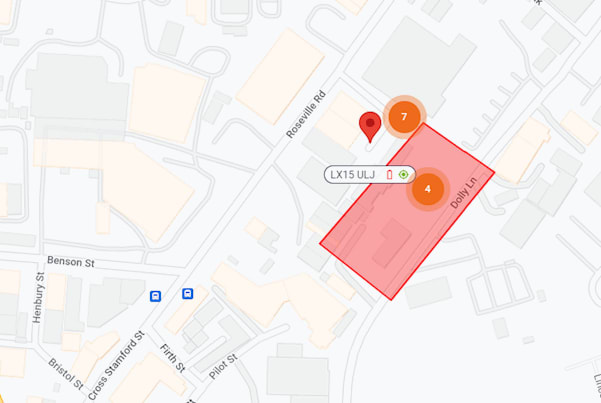
Polygonal geofencing gives you a clear, accurate view of your fleet and your mobile workforce. You’ll receive alerts when vehicles enter or leave specific locations, helping you:
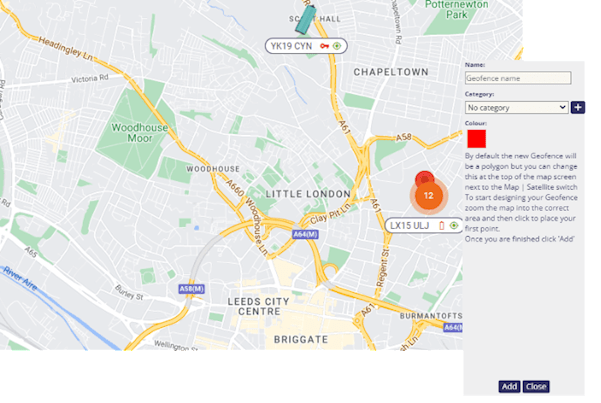
A geofence is a virtual boundary on a map. Unlike standard circular geofences, our polygonal geofences allow you to define exact shapes, so you can monitor irregular areas with unmatched accuracy.
Whether it’s tracking shift start and finish times, monitoring vehicle compliance in ULEZ or CAZ zones, or keeping a closer eye on valuable assets, geofencing gives your fleet management the edge it needs.
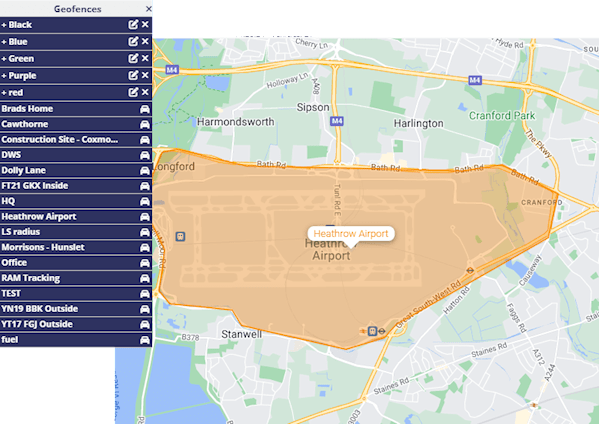
Setting up a geofence with RAM Tracking is quick and intuitive; no technical expertise needed.
Here’s how it works:
Once created, your geofence will appear on your live map instantly, updating in real time as your vehicles move. You can easily edit, rename, or delete geofences at any time.
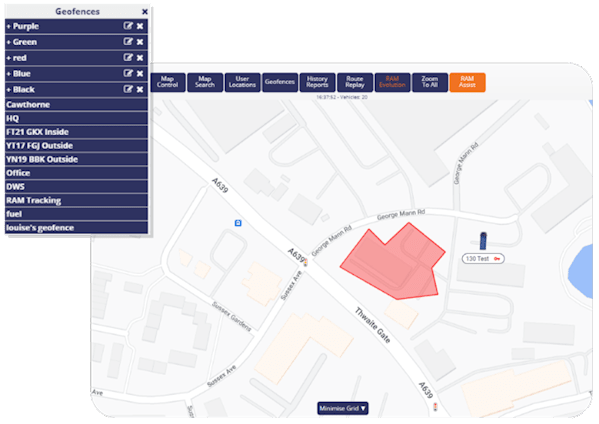
Polygon geofences are flexible and can be applied to a variety of use cases:
Geofencing also boosts customer service and ensures on-time deliveries. Discover our dedicated blog on geofencing for more information.

With RAM Tracking, you don’t pay extra for advanced fleet management features like geofencing. It’s already included as part of our Core and Plus pricing packages, giving you everything you need to track your fleet efficiently.
This means you can:

Polygon geofences provide you with accurate data for time spent on site. Run reports by vehicle or location to see exactly how long your workforce spent on a job. This helps you:
Geofencing also works alongside your job management system, allowing you to track job progress more effectively.
Take your fleet tracking to the next level with polygonal GPS geofencing from RAM Tracking. Get accurate, real-time insights into vehicle movements, improve driver accountability, and make smarter business decisions with clear, reliable data.
Whether you’re managing a small fleet or hundreds of vehicles, geofencing helps you save time, reduce admin, and improve visibility across every job and site.
A polygonal geofence is a geographic zone. You set it up as a closed shape on a map to create a virtual boundary around a specific area, for example, a construction site or parking lot. You’ll then receive alerts whenever your vehicles enter or exit the area.
Polygonal geofences are more precise than regular circular geofences, as you can draw the zone to include the specific areas you want. This is perfect if you have irregularly shaped warehouses or if you require exact roads or buildings to be included.
You can use polygonal geofences to track the movement of your fleet. With this tool, you can understand if vehicles are being driven outside of working hours or if your drivers are travelling in unauthorised areas.
This helps to protect your business from theft, as you’d be instantly alerted to unexpected movement of your vehicles or assets. Our GPS vehicle trackers can then locate where the stolen goods have gone, making recovery much quicker.
You can also use geofencing to track how long your team spend at jobs by creating zones around your key customers. This alerts you when they arrive and when they leave.
Fleets can improve the efficiency of their operations by utilising geofences. For example, you can use this technology to understand when each driver starts and finishes their day. If a driver is frequently starting late and finishing early, you can address this and encourage them to improve this habit.
Of course! You can set up as many geofences as you want. To make it easier to manage, you can provide each geo fence with a unique name and colour.
Yes, you can easily edit any geofence through the RAM Tracking portal. Simple, select the geofence you want to update and then move the area as needed.
Do you have a question? Ask us anything